Save time and design more smoothly with a simple one-page cheatsheet.
Master Canva Faster With These 15 Shortcuts
The 15 most useful Canva shortcuts every beginner should know.
Quick tips on when and why to use each shortcut.
A clean, printable cheatsheet you can keep open while you design.

About The Author
John Doe
When I first started using Canva, I found myself clicking around endlessly, trying to figure out how to do the simplest things. I knew the basics—add text, drop in an image—but it always felt clunky and slow. The truth is, Canva is powerful, but like any tool, it only feels smooth once you know the shortcuts.
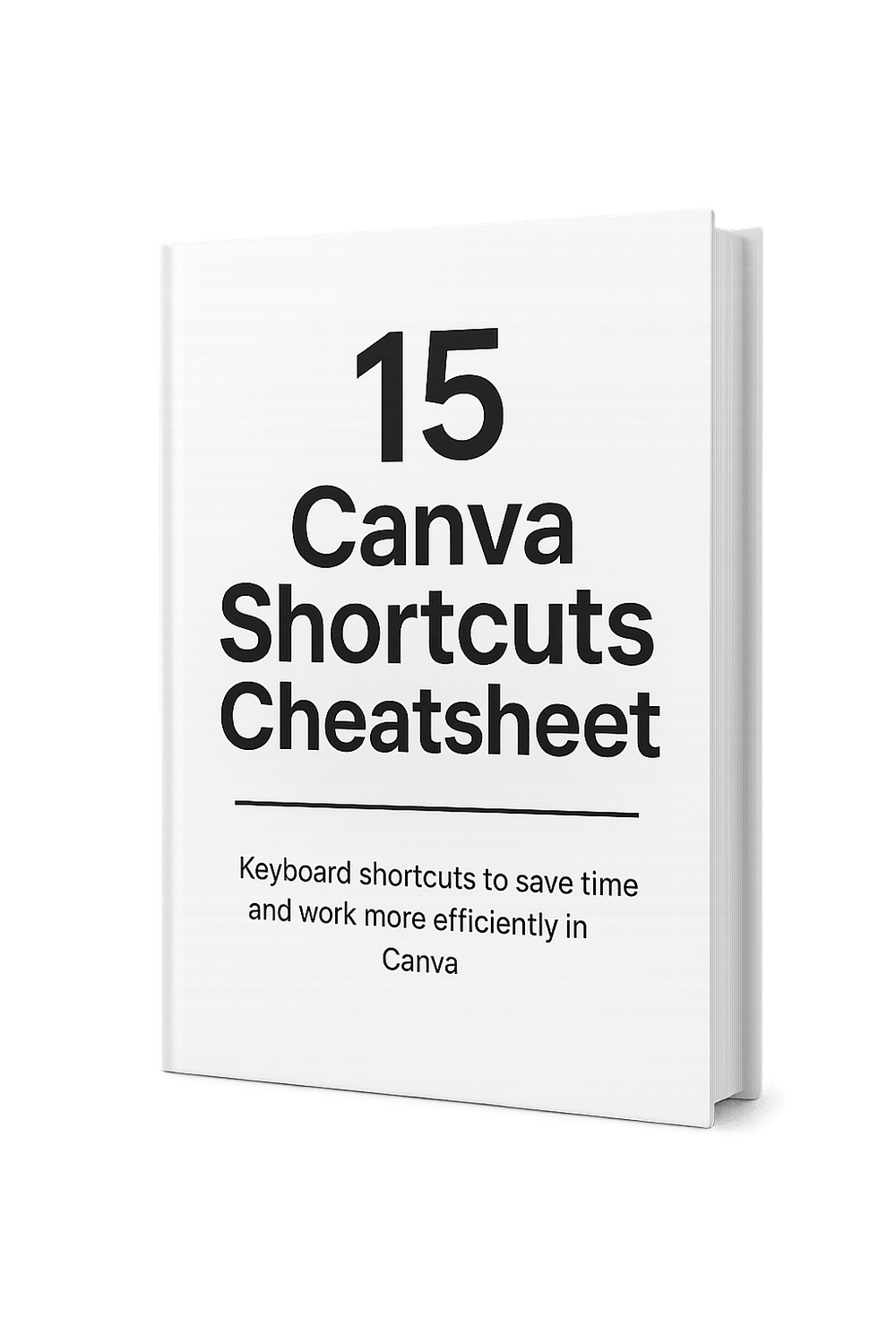
That’s why I created this 15 Canva Shortcuts Cheatsheet. It’s not about memorising hundreds of commands or turning you into a design pro overnight. It’s about making Canva feel easier, faster, and less frustrating from the start.
Each shortcut on this sheet is something I wish I had known on day one. They’re the small tricks that shave off seconds (and sometimes minutes) with every design. Over time, those seconds add up—and suddenly Canva feels natural instead of overwhelming.
I wanted to give beginners something simple, practical, and instantly useful. No fluff, no overwhelm, just one page you can keep open while you work. My hope is that this cheatsheet helps you spend less time fighting with the software and more time creating the things you actually want to make.
Home - Privacy Policy - About - Contact - Affiliate Disclaimer
© Copyright 2025 - All rights reserved
Drive consistent traffic to your videos in just days...
We HATE spam. Your email address is 100% secure